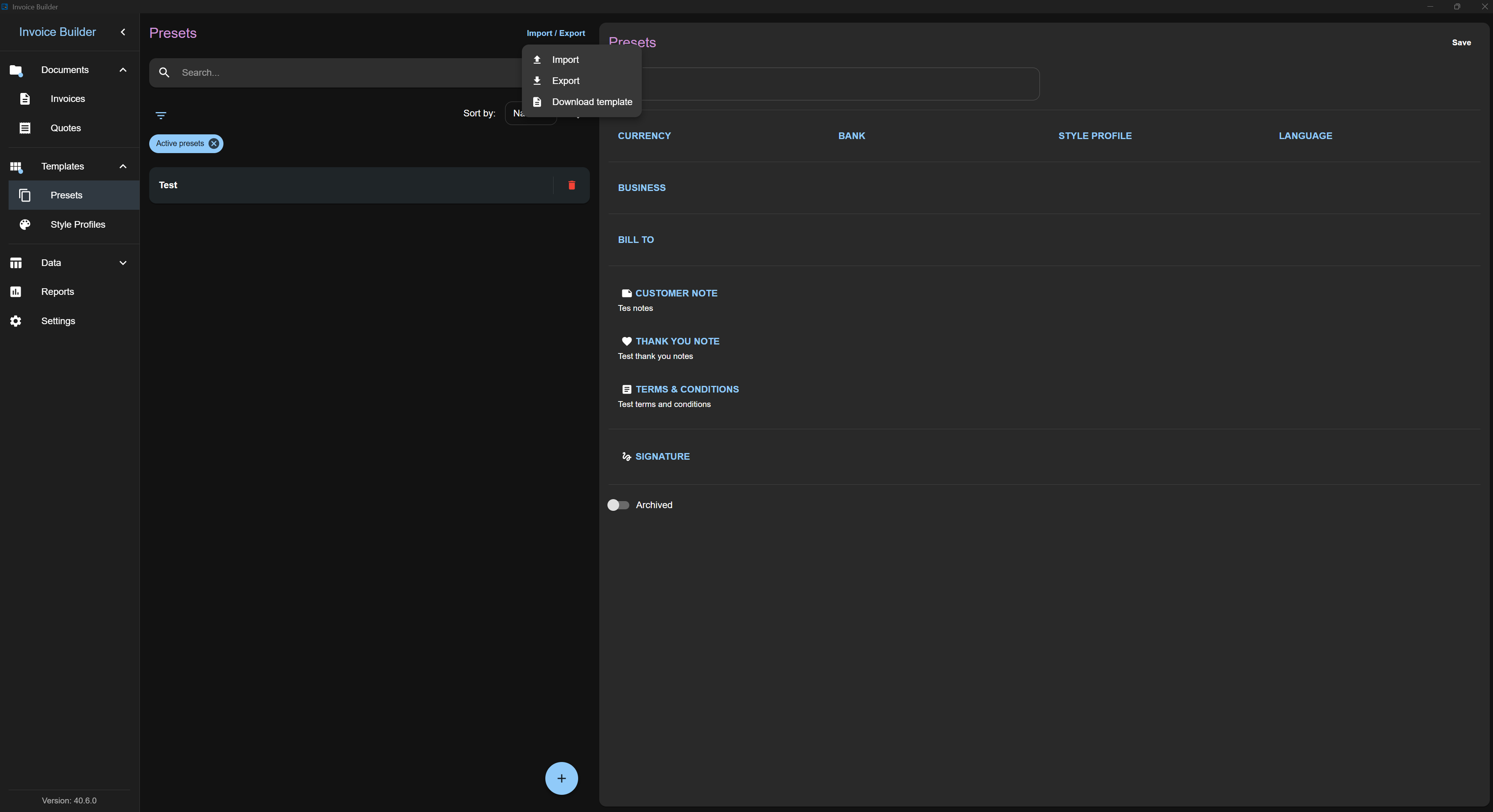
Presets screen
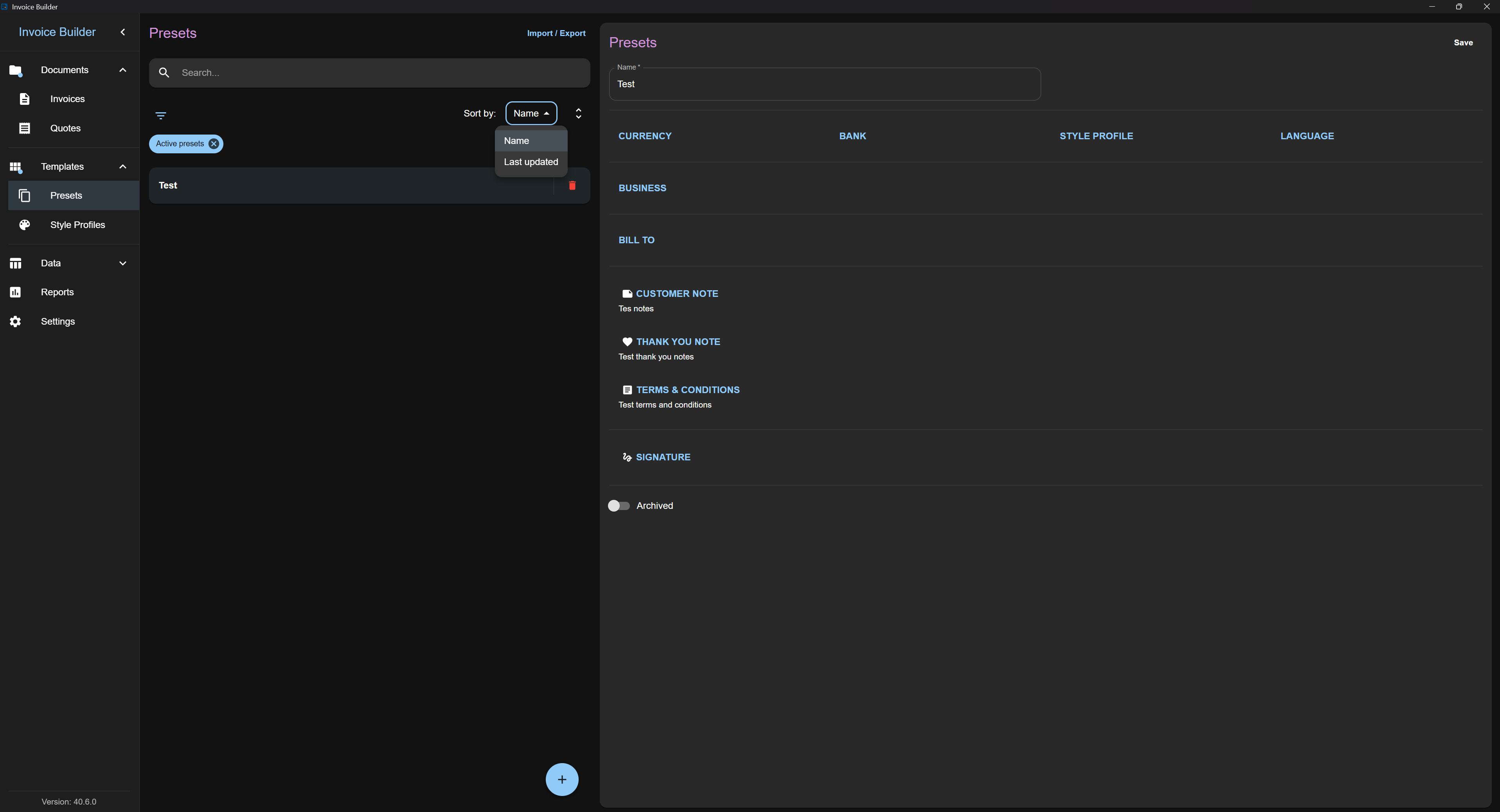
The Presets screen allows you to create, read, update, and delete (CRUD) preset data.
You can also:
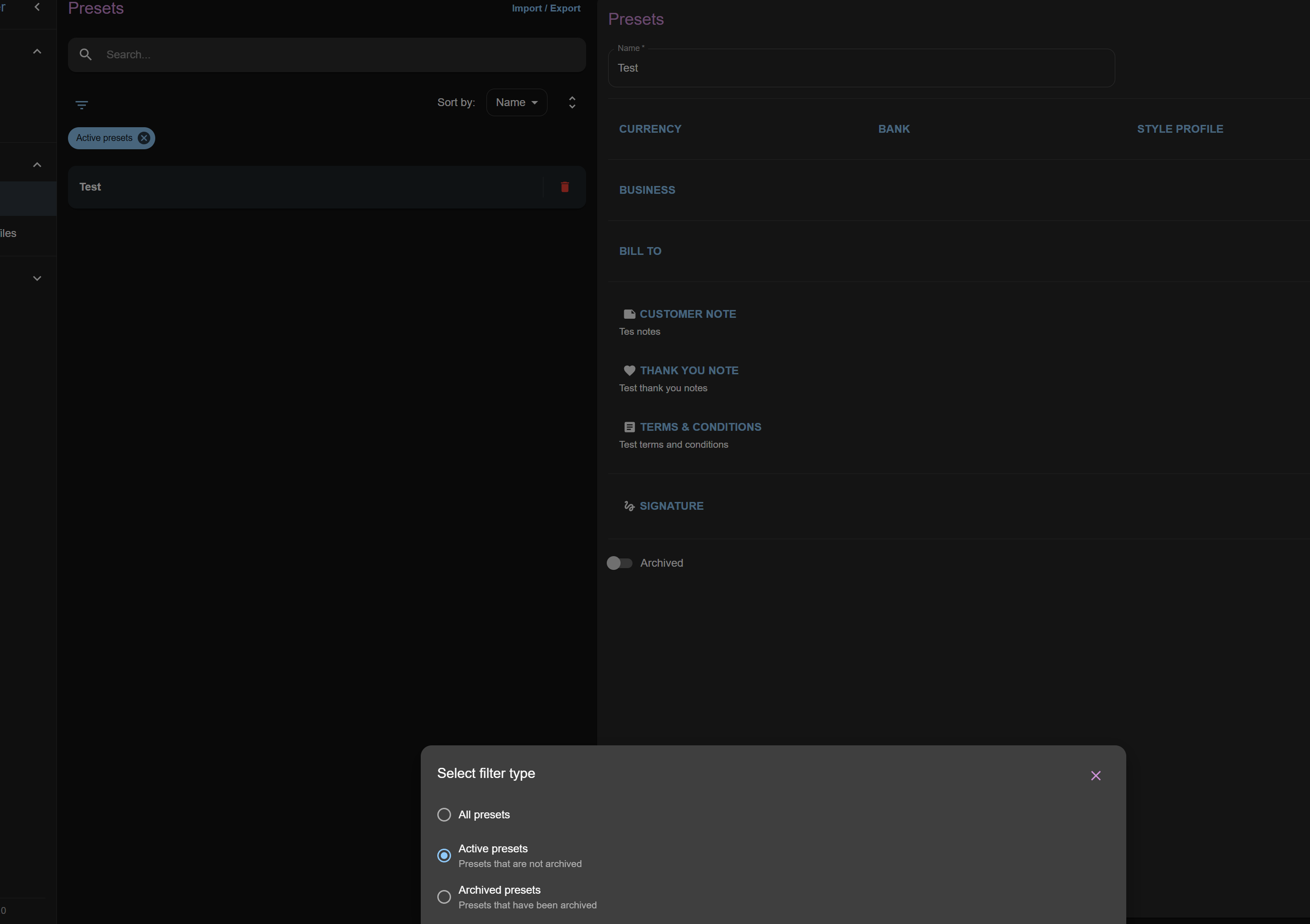
- Filter presets by various criteria
- Import and export presets via XLSX
This screen follows the shared Common Screen Patterns for editing, filtering, sorting, and import/export. Only what's unique to Presets is covered below.
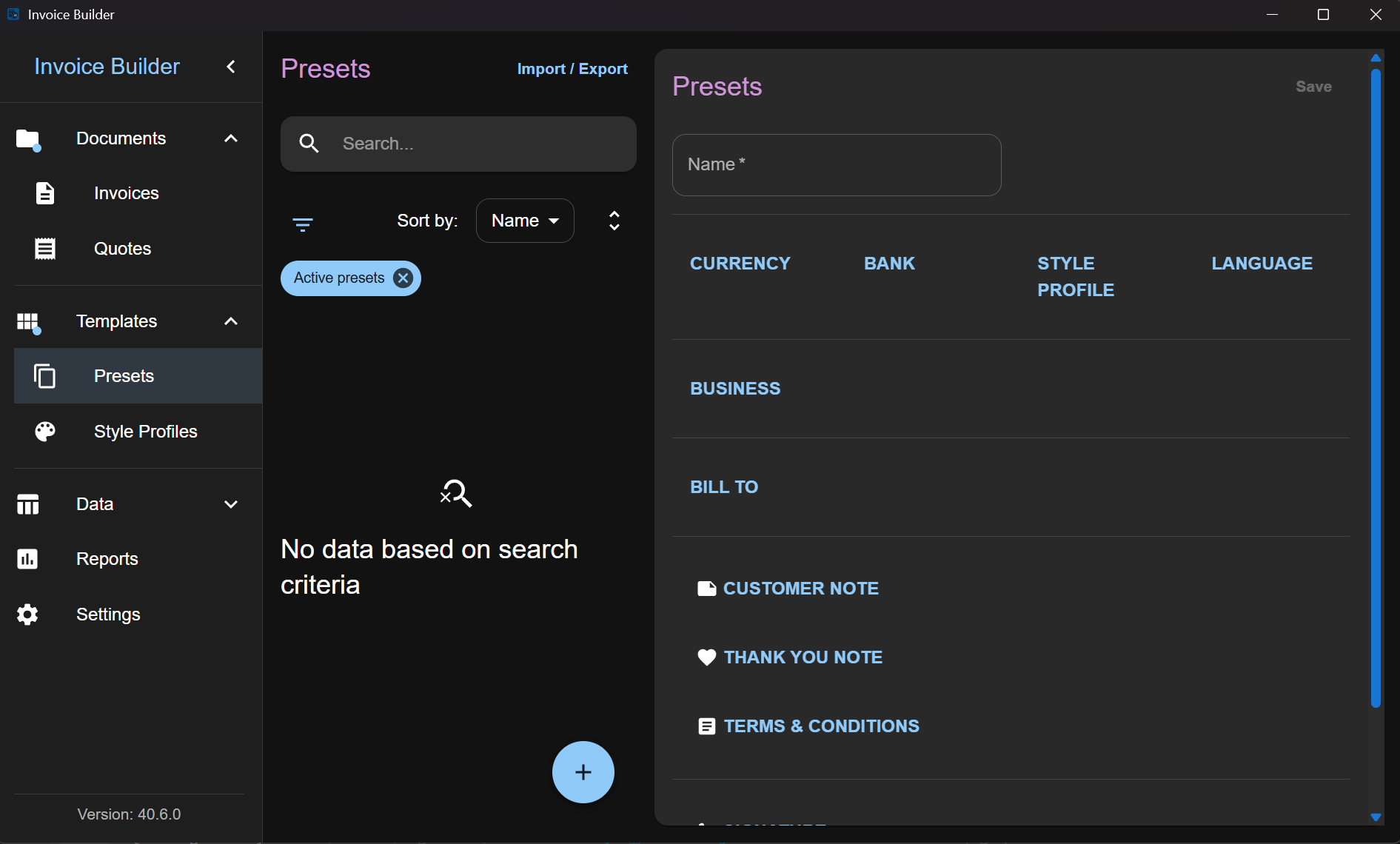
Adding a Preset
Click the Add button at the bottom to open a modal where you can:
- Enter preset information
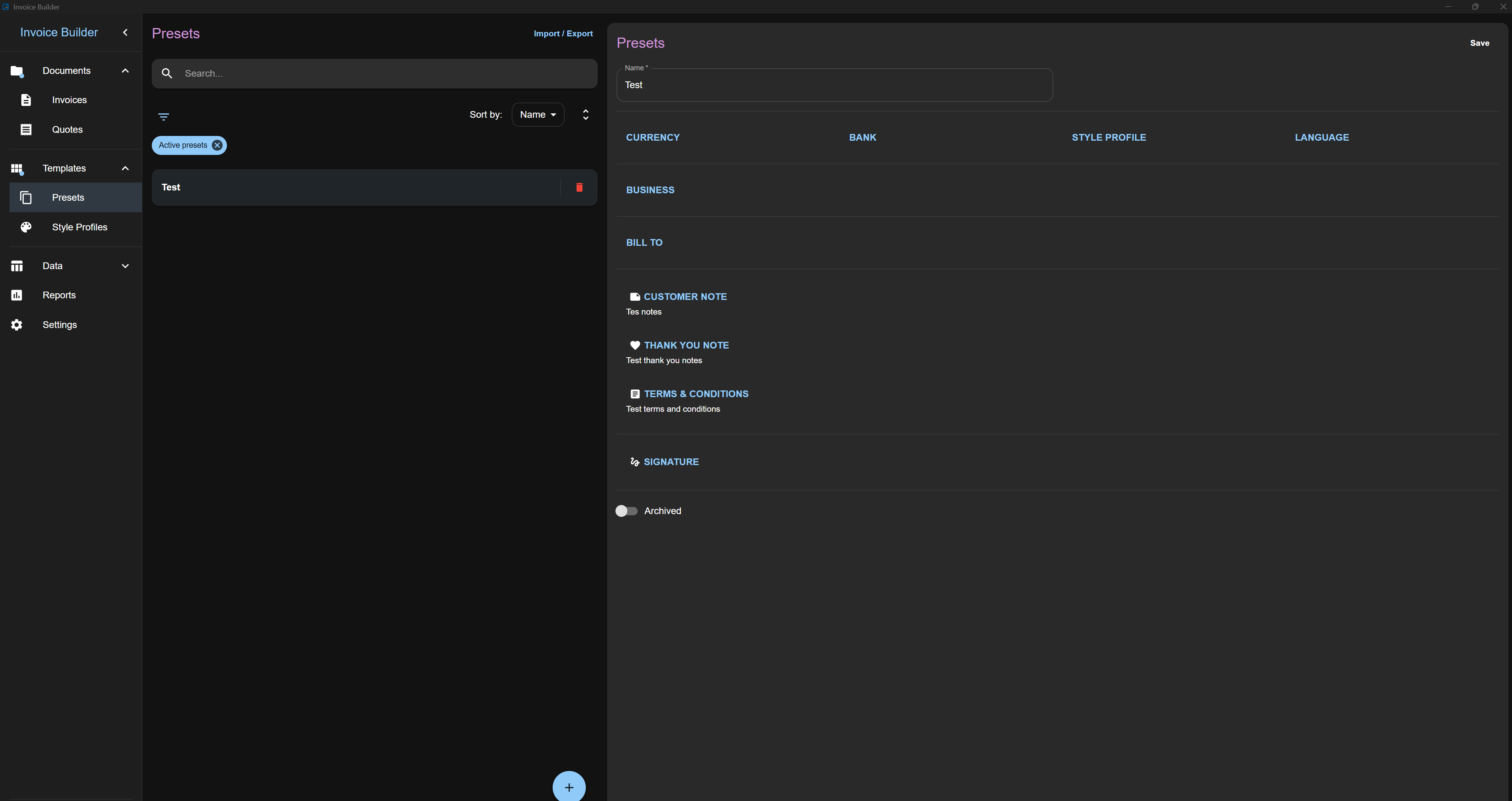
Editing / deleting a Preset
Once presets are added, select one from the list to edit it on the right side.
Filters
Sorting
Import & Export