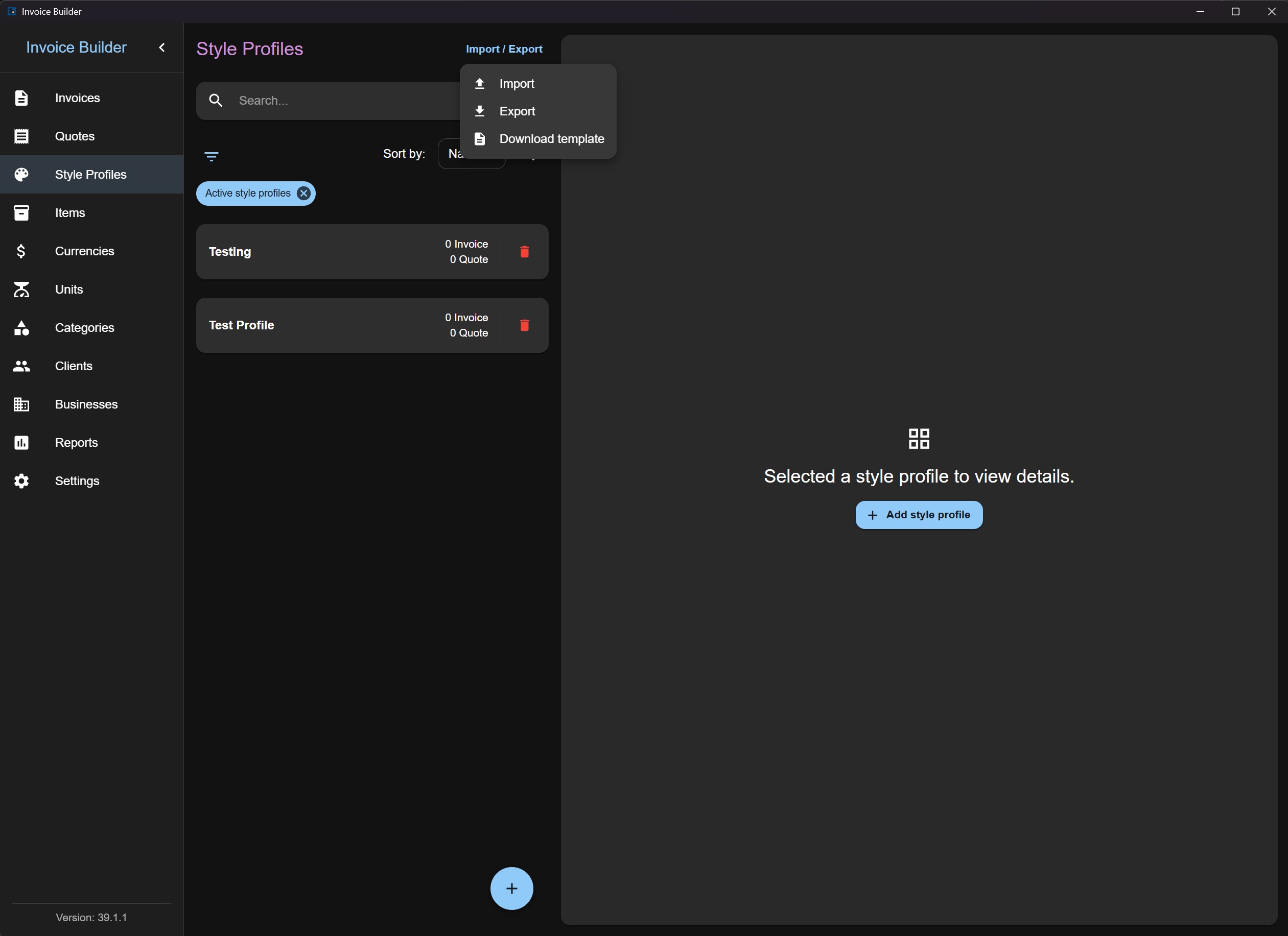
Style profiles screen
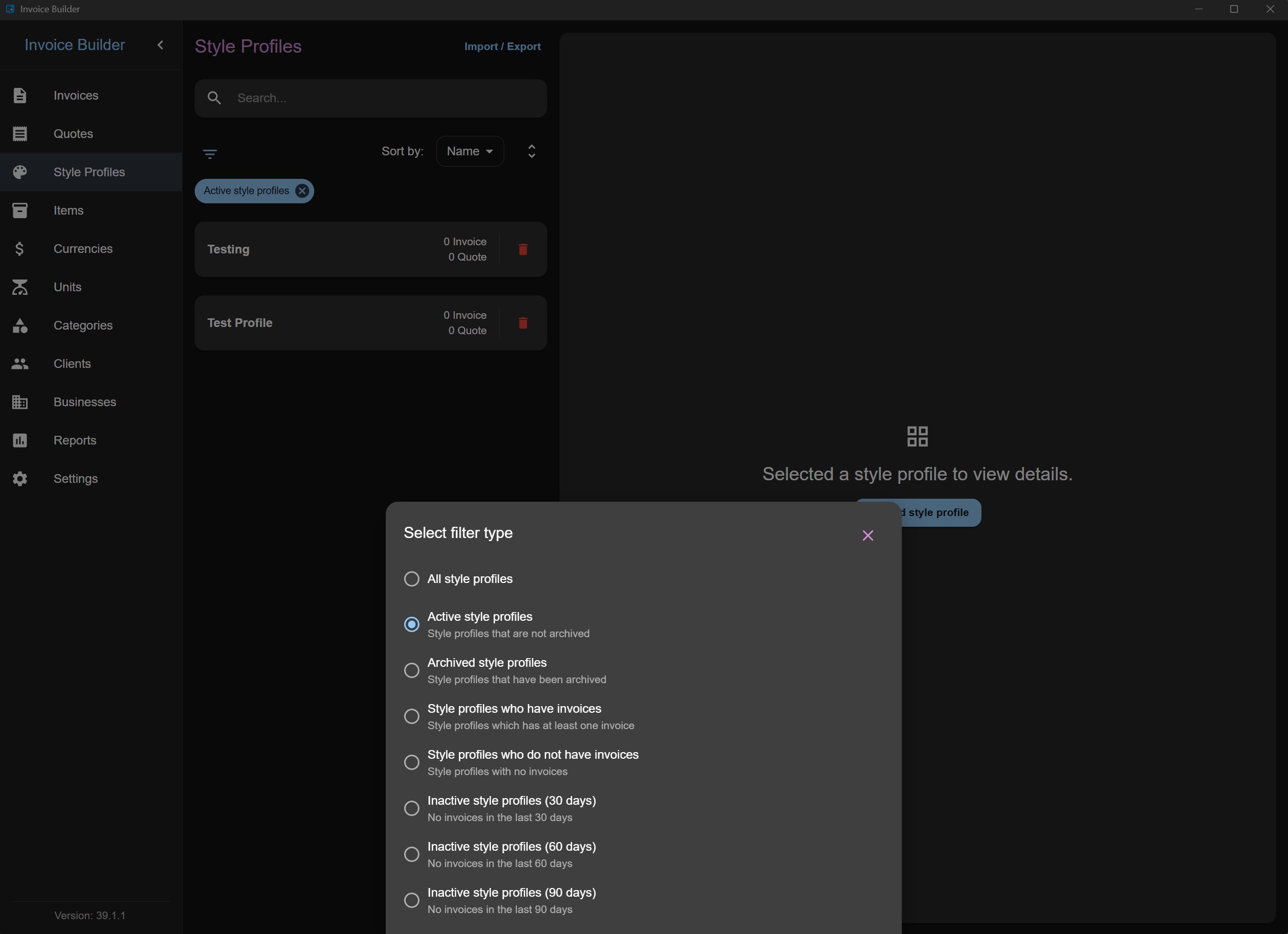
The Style profiles screen allows you to create, read, update, and delete (CRUD) style profile data, which can later be used in Invoices and Quotes. You can also filter, import, and export style profiles via XLSX.
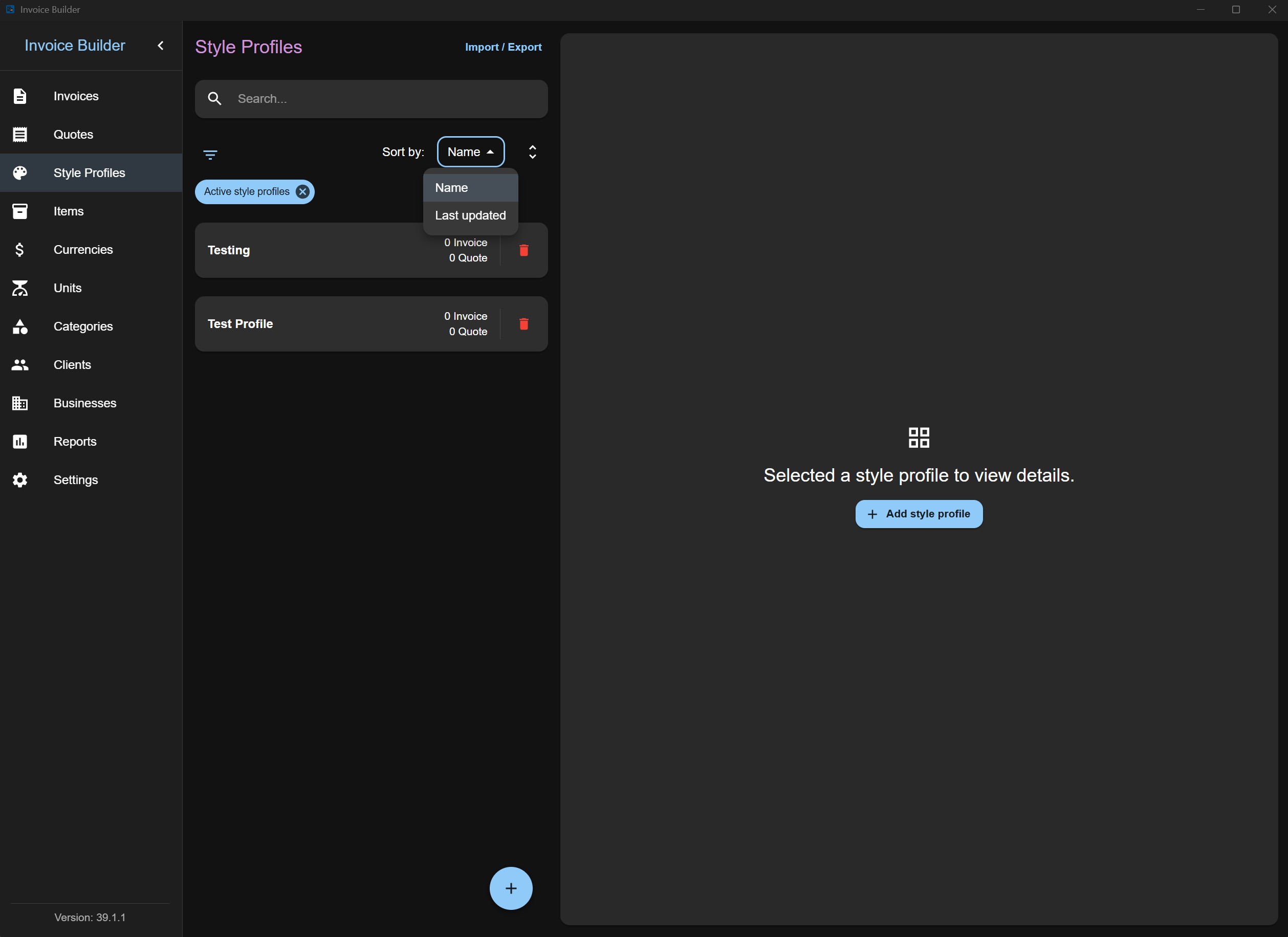
This screen follows the shared Common Screen Patterns for editing, filtering, sorting, and import/export. Only what's unique to Style profiles is covered below.
Adding a Style profile
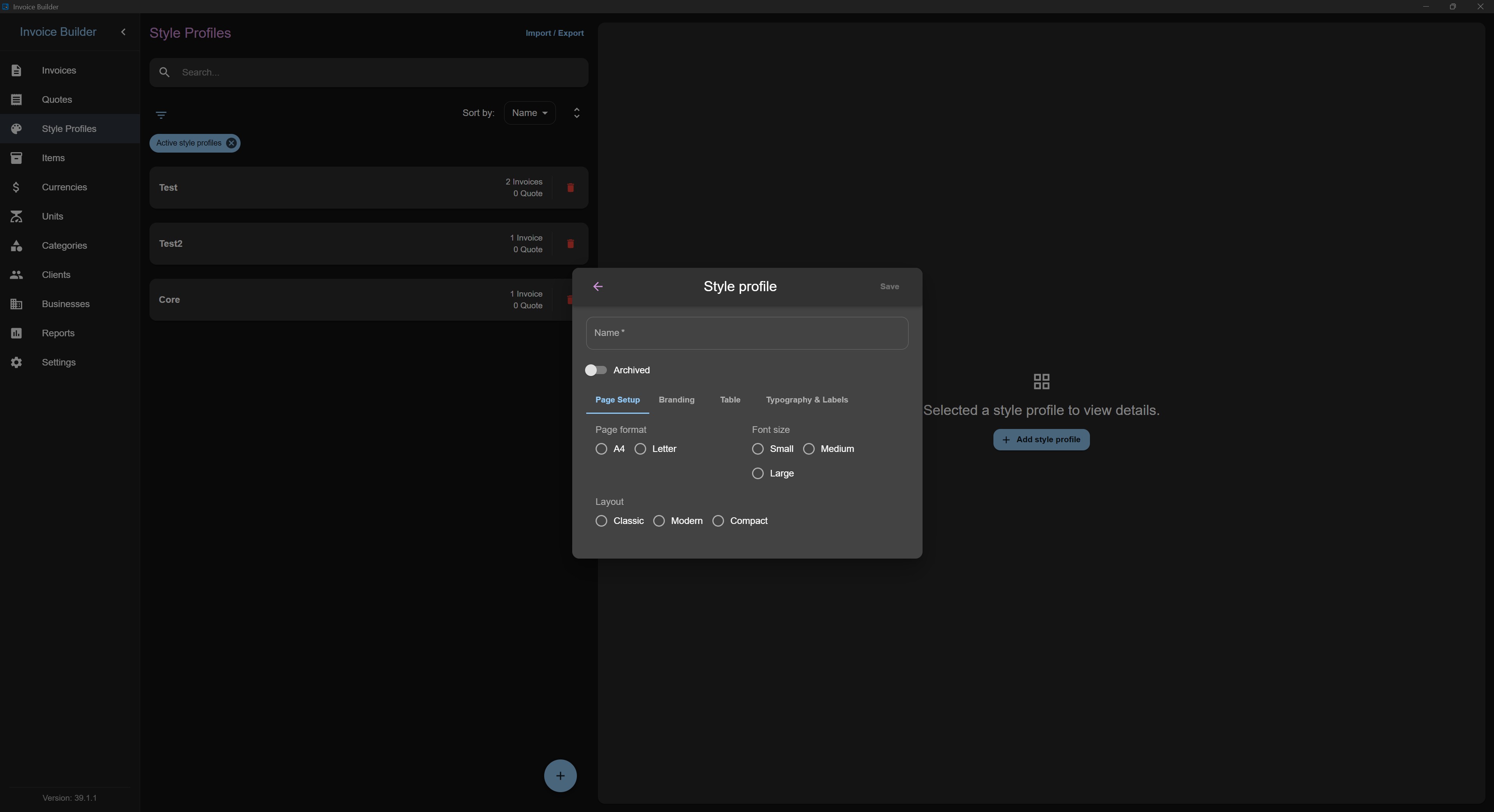
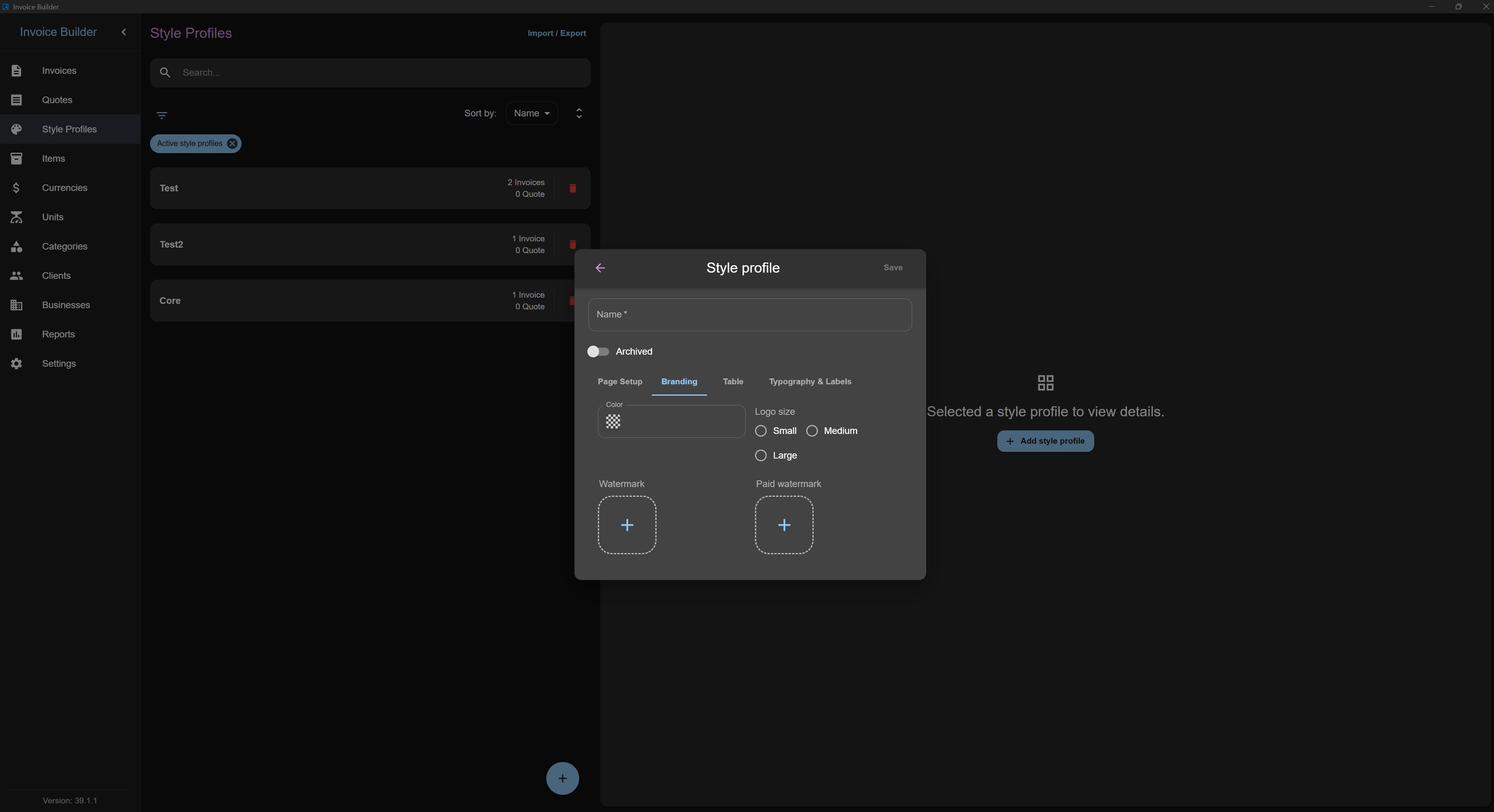
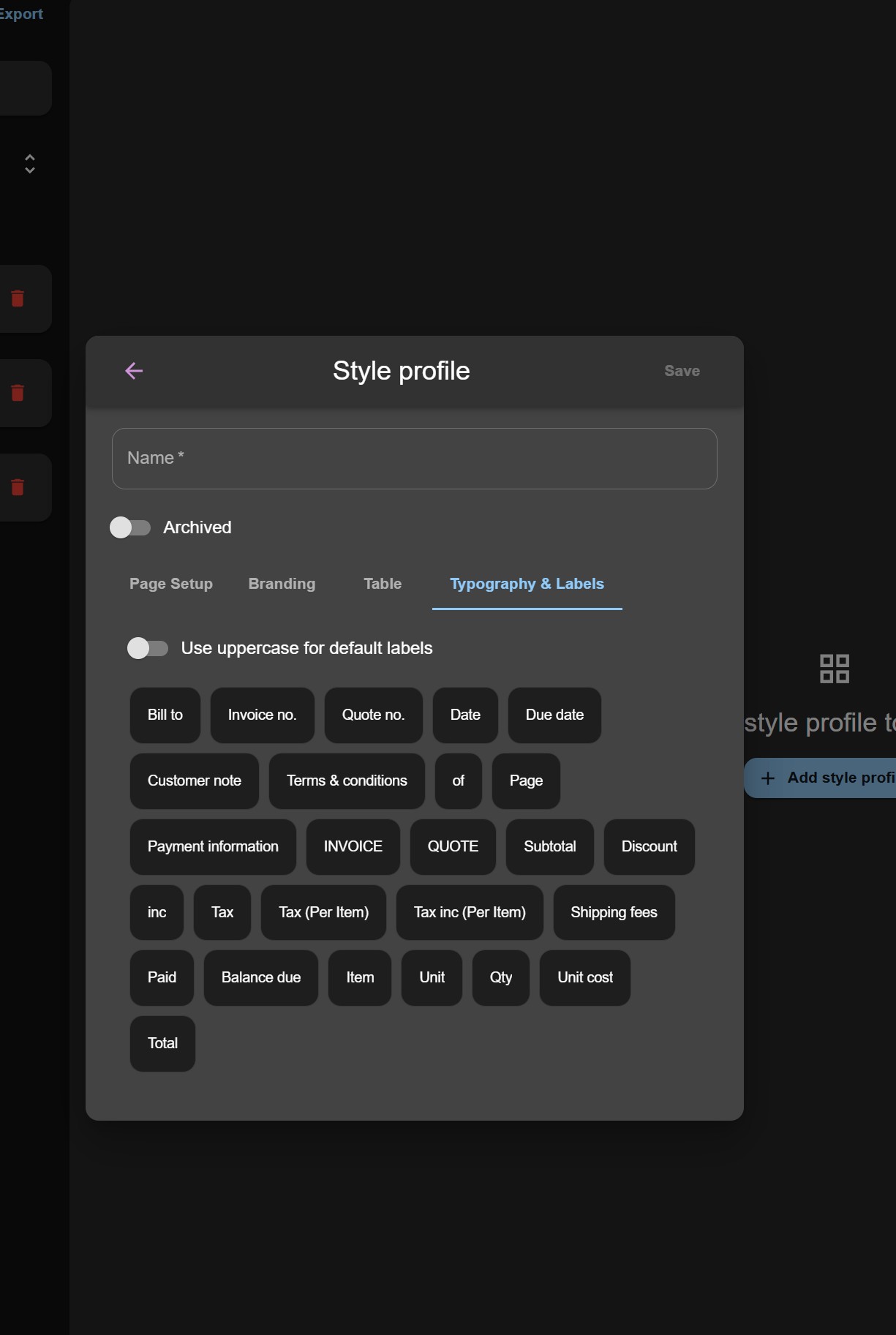
Click the Add button at the bottom to open a modal where you can:
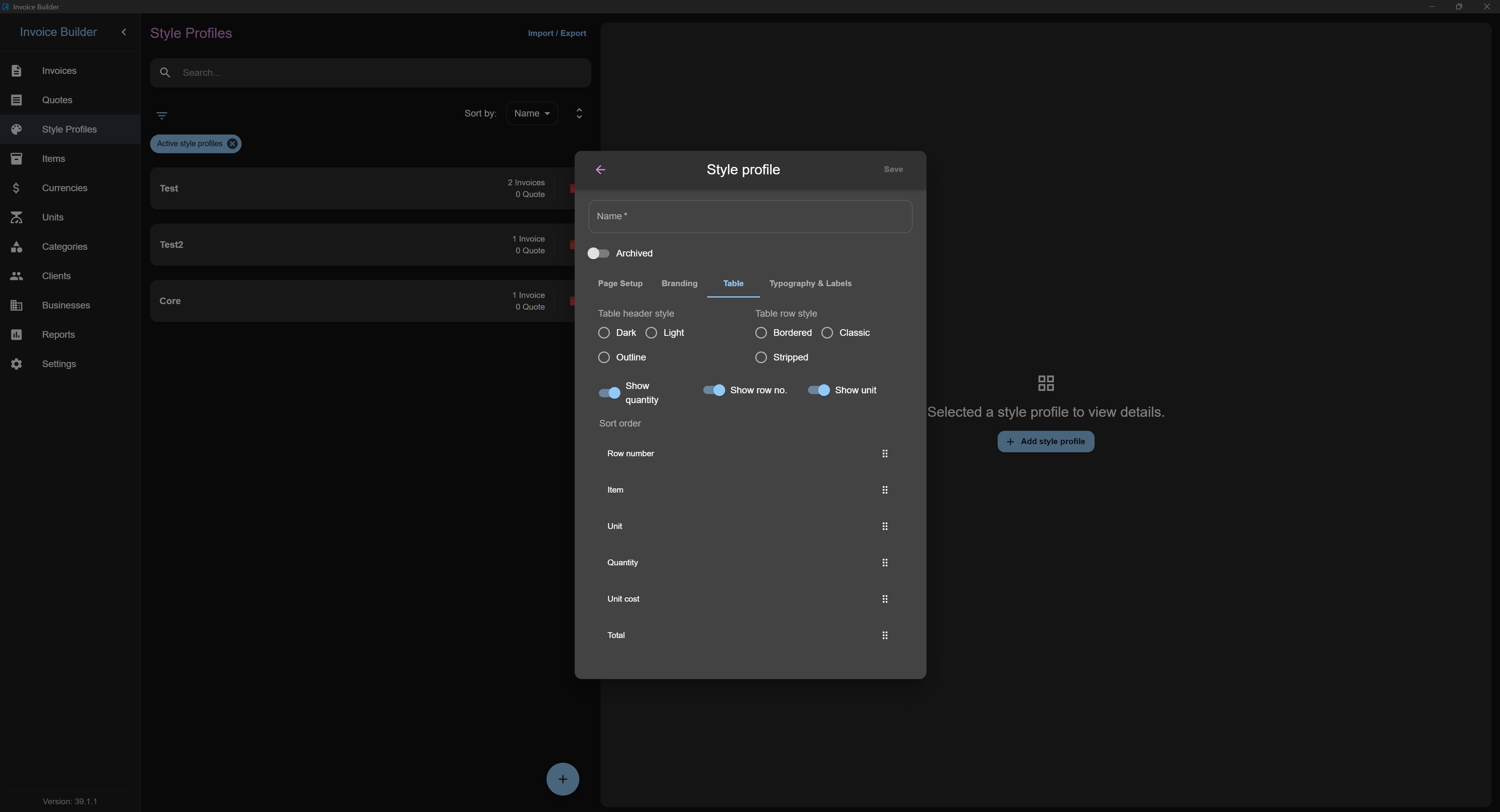
- Enter style profile information
Name: must be unique. You cannot create two style profiles with the same name.
Sort Order: under the "Table" tab it's possible to customize the sort order of generic item table headers.
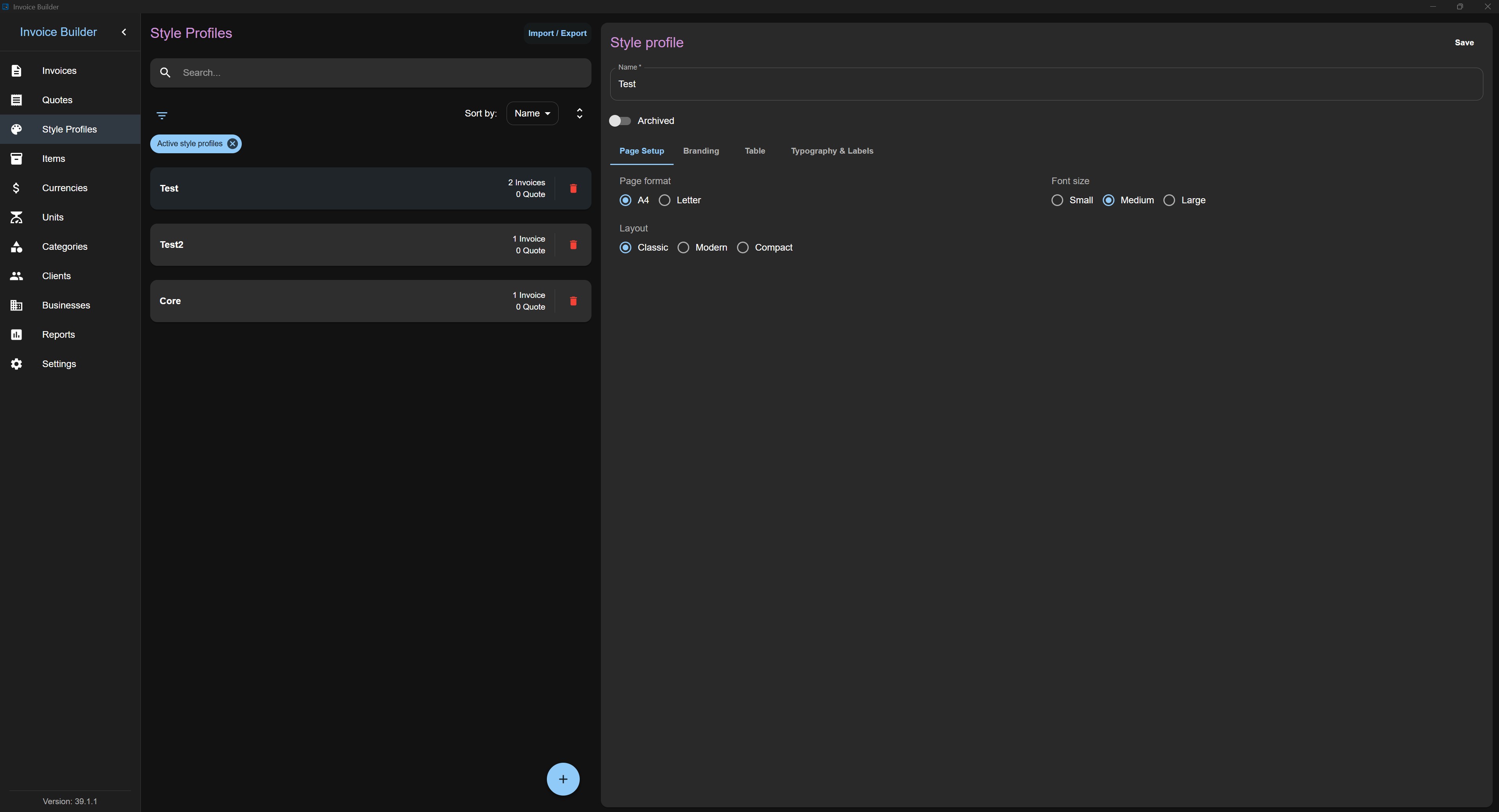
Editing / deleting a Style profile
Each style profile item also shows the number of invoices and quotes created with it (quotes count is hidden if the layout is disabled in settings).
Filters
Sorting
Import & Export